
Umami
AnalyticsA self-hosted, privacy-focused web analytics tool that works without cookies.
Open-source alternative to:
 Google Analytics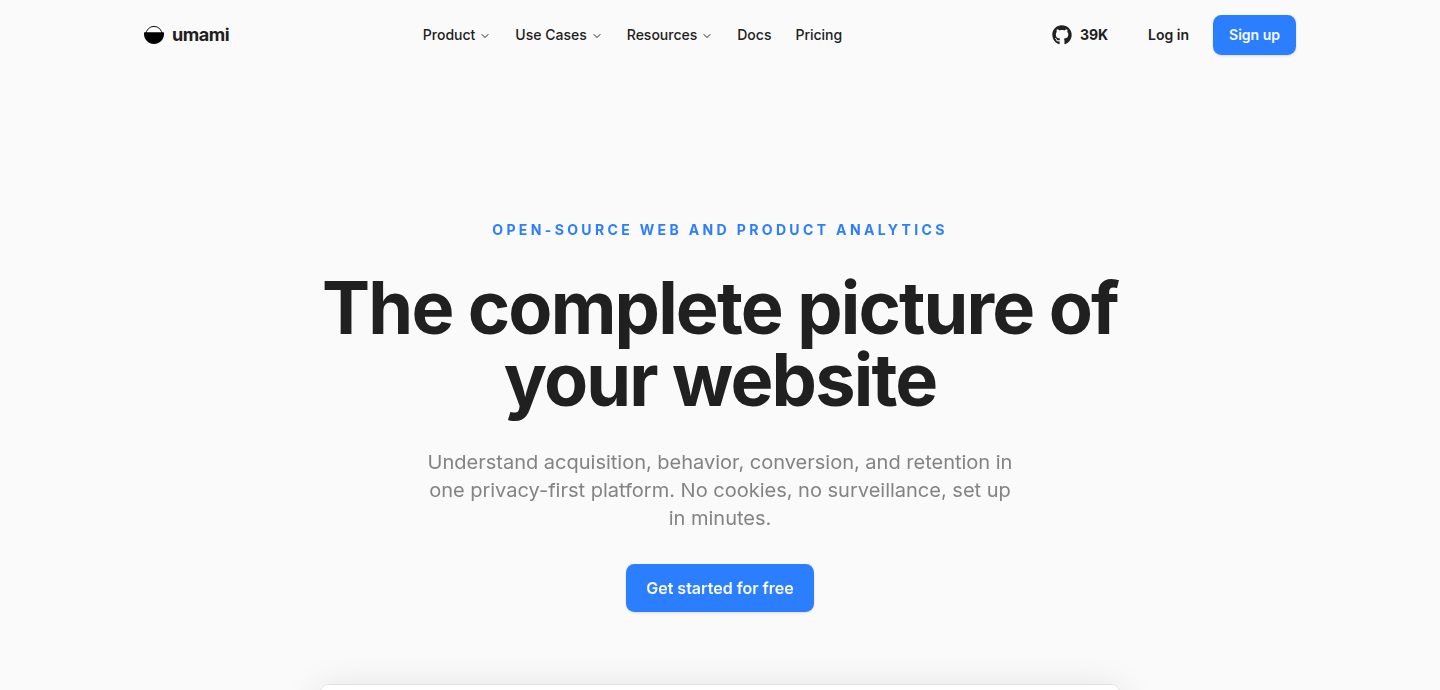
What the free edition leaves out
Scroll sideways to view all columns →The official pages do not say enough about the free edition to give a verdict. “Not confirmed” means the official pages we read did not say, so we do not guess.
| Feature | Free edition | Details | Source |
|---|---|---|---|
| SSO / SAML | Not confirmed | The pricing page lists SAML SSO only on the Enterprise cloud plan. It does not say whether self-hosting has SSO or SAML. | Source ↗ |
| Role-based access control | Not confirmed | The pricing page and the docs pages read do not describe roles or permissions. | Source ↗ |
| Audit logs | Not confirmed | Audit log is listed only on the Enterprise cloud plan. Self-hosted availability is not stated. | Source ↗ |
| Multi-user / teams | Not confirmed | Cloud plans list teams and member limits (Pro up to 10, Business and Enterprise unlimited). The API docs sidebar shows Teams and Users sections, but the self-hosted limits were not confirmed. | Source ↗ |
| Backups and restore | Not confirmed | Backups are not mentioned on the pricing page or the install docs. Data lives in your own PostgreSQL database. | Source ↗ |
| API access | Free | The API docs say that when self-hosting, the API endpoints are available at your own instance under /api. | Source ↗ |
| Support SLA | Paid | The pricing page lists Community support on the free Hobby plan; email support on Pro; email and chat on Business; uptime SLA and enterprise support only on Enterprise. | Source ↗ |
Best for
Site owners and developers who want simple, cookie-free web analytics on their own server with a PostgreSQL database.
Why choose it over Google Analytics
The code is MIT licensed and can be self-hosted. The project says it needs no cookies, and you keep the data in your own database. The API is available on self-hosted installs.
Where it falls short
The pricing page lists SSO, audit log and uptime SLA only on the paid Enterprise cloud plan, and it does not say what a self-hosted install includes. It requires PostgreSQL, and the install docs list no built-in backup tool, so you run both yourself. The default login is admin/umami and must be changed after install. A feature comparison with Google Analytics has not been done. Some cloud features, such as email reports and the streaming API, are not available in the self-hosted version according to the pricing FAQ.
Open-source alternative to
- Google Analytics — Umami is an open-source web analytics tool you can run yourself, so visitor data stays on your own server.
 TypeScript
 JavaScript
 Docker
 React
React Next.js
 PostCSS
 TanStack Query
 Zod
Zod Chart.js
 Rollup
 esbuild
 Node.js
 jsonwebtoken
 Vercel
 Prisma
 PostgreSQL
 Redis
Redis ClickHouse
 Apache Kafka
 Vitest
 Testing Library
 Biome
Biome GitHub Actions
 Netlify
 pnpm
pnpm


